Použitie automatického podávača dokumentov
Ak váš skener obsahuje automatický podávač dokumentov (ADF), môžete skenovať všetky stránky z podávača jedným z týchto spôsobov:
Používať klávesové skratky
Stlač Ctrl+F
Použitím panela nástrojov
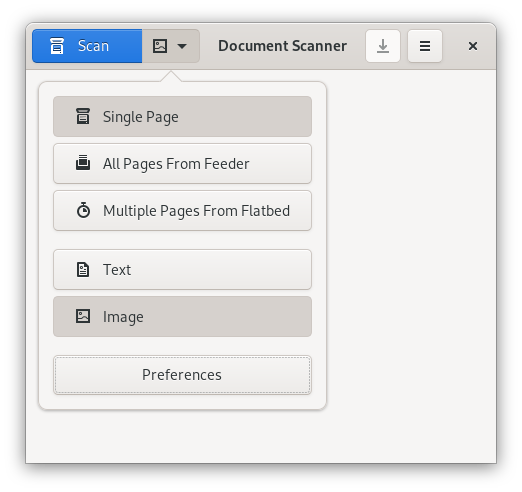
Click the arrow to the right of the Scan button.
-
Select All Pages From Feeder.
By default, both sides of a page will be scanned if your scanner has this capability. To scan only a single side:
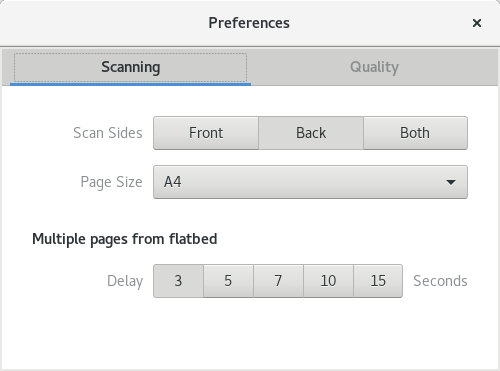
Press the menu button in the top-right corner of the window and select Preferences.
Select Scanning.
Change the Scan Sides value.
-
Close the dialog.