Skenovanie stránky
Pre skenovanie dokumentu z vášho skenera:
Pripojte skener k vášmu počítaču a zapnite ho .
Open Document Scanner.
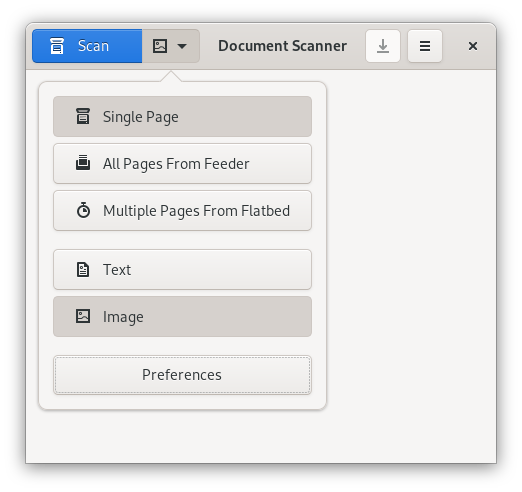
Click the arrow to the right of the Scan button.
-
Select the type of document you are scanning: Text or Image.
Click the "Scan" button on the toolbar (or press Ctrl+1).
The page will be shown as it is scanned. To stop the scan at any time press the Esc key on the keyboard. Each page you scan is placed at the end of the document.
To change the quality of a scanned page, see Nastavenie rozlíšenia skenovania.