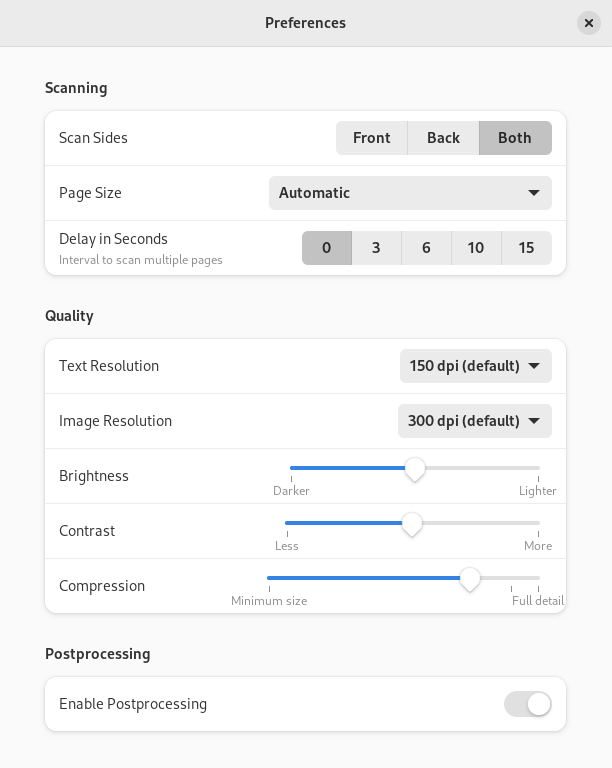
De afbeeldingskwaliteit instellen
You can adjust the image quality that is used when the scan is converted to a file by changing this setting in the preferences dialog. Using a low quality will result in a small file size but may show some blurring or blockiness in the image. A high quality will keep all the scanned information but require a larger file size. See the Lossy compression Wikipedia page for more information.
Druk op de menuknop in de rechterbovenhoek van het venster en selecteer Voorkeuren.
In Quality section drag the Compression slider.
-
Sluit het dialoogvenster.