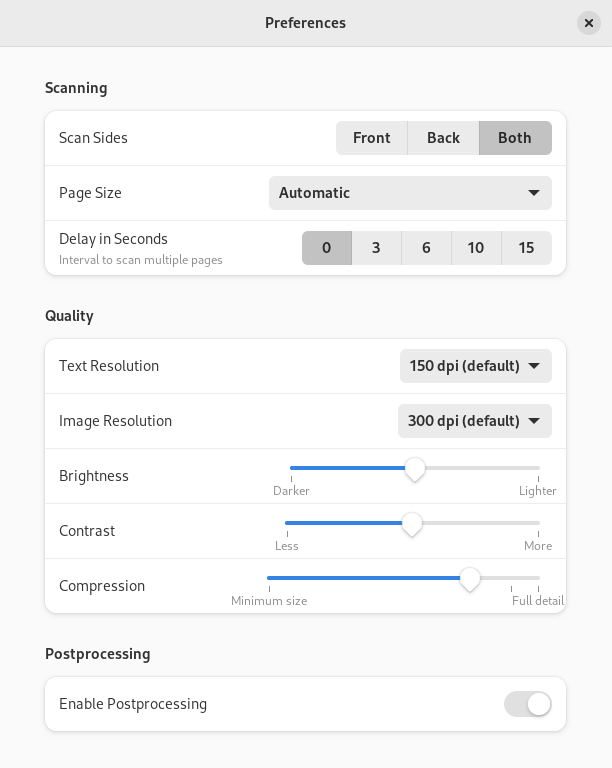
Nastavení kvality obrázku
You can adjust the image quality that is used when the scan is converted to a file by changing this setting in the preferences dialog. Using a low quality will result in a small file size but may show some blurring or blockiness in the image. A high quality will keep all the scanned information but require a larger file size. See the Lossy compression Wikipedia page for more information.
Zmáčkněte tlačítko nabídky v pravém horním rohu okna a vyberte Předvolby.
In Quality section drag the Compression slider.
-
Zavřete dialogové okno.